
How to reconcile a bank account, to the cent
Your ledger says one thing. Your bank statement says another. Until those two numbers agree exactly, every report you run is a guess wearing a suit.
- Bank reconciliation is the step where you match your recorded ledger against the bank or card statement, line by line, until they agree to the cent. In Analytical Ledger, you open the Reconcile module, enter the statement's ending balance, then clear posted ledger lines against the statement until the difference reads exactly $0.00 — at which point the reconciliation locks.
- You stop wondering whether a report is trustworthy and start knowing it is.
- Missed, duplicate, and mis-dated transactions surface the moment the numbers refuse to tie out.
- Reconciled books make tax season a rollup instead of an excavation.
Why does an unreconciled account cost more than it looks?
An unreconciled account quietly breaks every number downstream of it. Your profit-and-loss, your cash balance, your tax rollup — all of them inherit whatever errors are hiding in the gap between your ledger and your bank. You can't trust a report built on a balance you never checked, and you usually find out at the worst moment.
Here is how the cost compounds. A single missed transaction throws off the balance from that day forward. A duplicate import counts the same expense twice. A payment recorded on the wrong date lands in the wrong month, and suddenly last month looks more profitable than it was. None of these announce themselves. They sit in the books looking perfectly normal until you try to answer a simple question — did we actually make money last month? — and the answer you get is wrong.
Reconciliation is the check that catches all of it in one pass. When you force your ledger to agree with the statement to the cent, every one of those errors has nowhere to hide. This is the step that turns "probably right" into "known right, to the cent." Skip it, and you are flying blind on numbers you had every chance to verify.
How to reconcile an account in Analytical Ledger
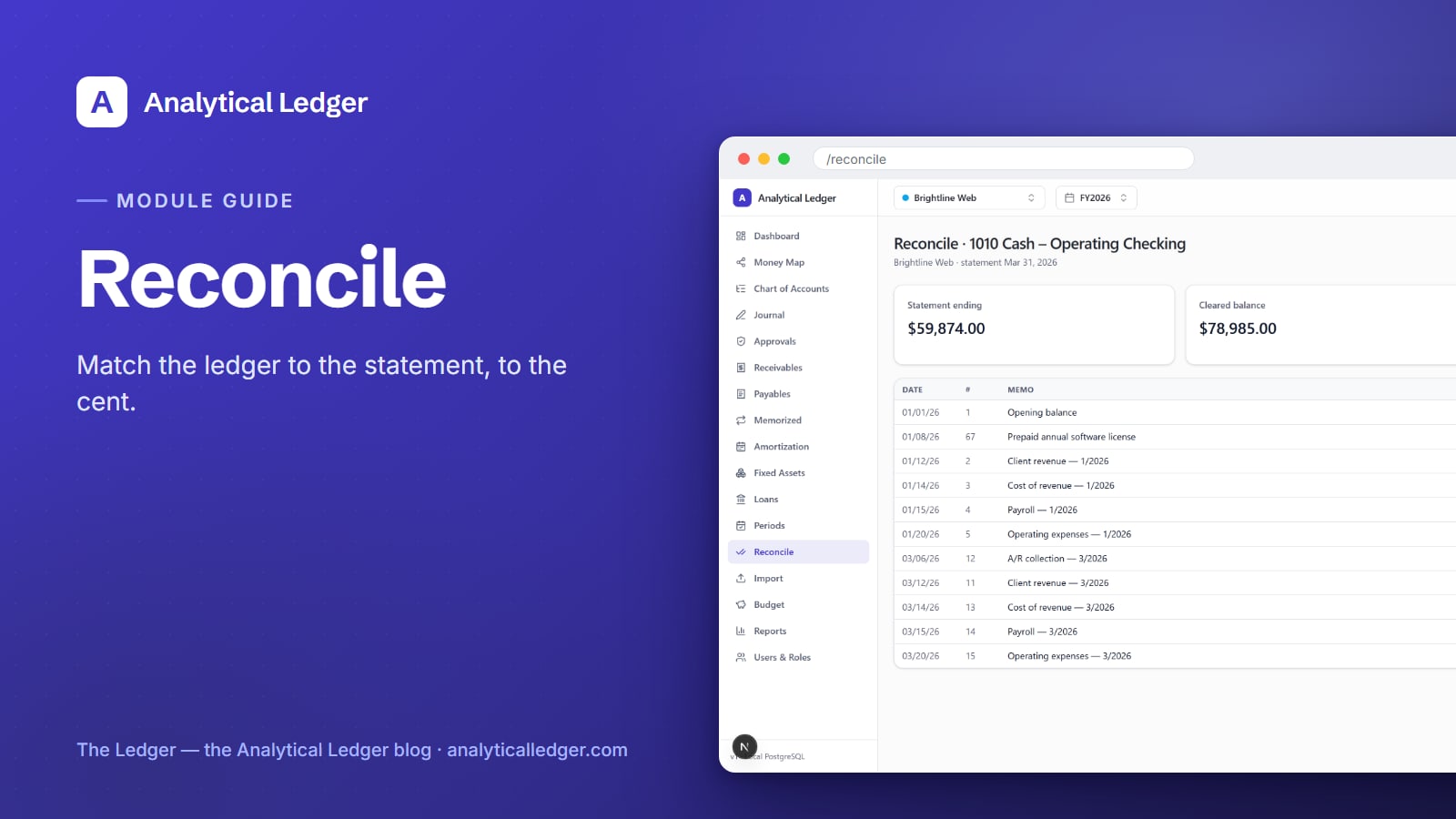
Reconciling in Analytical Ledger follows five steps: pick the account, enter the statement's ending balance, clear each line that appears on the statement, drive the difference to exactly $0.00, and lock the reconciliation. The module tracks three running figures — statement ending balance, cleared balance, and the difference between them — so you always know how far you have left to go.

1. Open Reconcile and pick the account
Go to the Reconcile module. It lists every account you can reconcile — your cash and card accounts — each ready to start. Pick the one that matches the statement in front of you, whether that's a checking account, a savings account, or a credit card. Statement reconciliation works the same way for cash and card accounts, so the muscle memory carries over.
2. Enter the statement's ending balance
Open the paper or PDF statement and find its ending balance — the number the bank says you had on the closing date. Enter that as the statement ending balance. This is the target. Everything that follows is the work of getting your ledger's cleared balance to match it. If your statements are still sitting in a pile, pull them in first with the bank statement import guide, then come back here to reconcile.
3. Clear each line that appears on the statement
Now work down the statement. For every deposit, payment, and fee it lists, find the matching posted line in your ledger and clear it — mark it as confirmed against the bank. As you clear lines, the cleared balance climbs toward the statement ending balance and the difference shrinks. Only posted entries can be cleared; a draft entry has to be posted first, which is how the journal entries workflow keeps unfinished work out of a reconciliation.
4. Drive the difference to exactly $0.00
Keep clearing until the difference reaches $0.00. A non-zero difference is the module telling you something is off, and that running number is your to-do list. A leftover difference almost always means one of three things: a transaction on the statement that isn't in your ledger yet (add it), a transaction in your ledger that isn't on the statement (a timing gap — leave it uncleared), or a duplicate (remove it). Fix the cause; never force a fake entry to paper over the gap.
5. Lock the reconciliation
When the difference is exactly $0.00, the reconciliation locks. That lock is the point of the whole exercise: it records that on this statement date, your books and your bank agreed to the cent. From here your financial reports are standing on a verified balance, not an assumption. Repeat each month as statements arrive, and your books stay caught up in under an hour a week.
We reconcile our own accounts this way
We run our own group of companies — and our personal finances — on Analytical Ledger, daily, in production. Every month we reconcile each entity's cash and card accounts in this exact module, the same five steps, until the difference reads $0.00 and the reconciliation locks. That's not a demo workflow we built and walked away from; it's the check we rely on to trust our own numbers before we close a period or file a return. Because posting is enforced twice — in the app and again by database triggers — and money is stored as exact decimals rather than floating point, a reconciliation that ties out actually means the books are correct, not merely close.
What people get wrong about reconciliation
The most common mistake is treating reconciliation as data entry instead of a check. It is not busywork you do to satisfy the software — it is the one moment where an independent source (the bank) confirms your books are right. If you find yourself typing an adjusting entry just to make the difference disappear, stop. That $0.00 has to be earned by finding the real cause, or the lock means nothing.
The second mistake is waiting. People let statements pile up for months, then try to reconcile a year at once and drown. Reconcile each statement as it arrives. A single month is a short, calm task; a year of them at once is the catch-up bookkeeping scramble nobody enjoys. In a multi-entity setup, reconcile each entity's accounts on its own, so the books stay separate before they consolidate.
Frequently Asked Questions
What does it mean to reconcile a bank account?
Reconciling a bank account means matching your own ledger against the bank's statement, line by line, until the two agree exactly. You confirm every deposit, payment, and fee the bank recorded is also in your books at the right amount and date. When the difference reaches $0.00, your records are verified correct as of that statement date.
What if my reconciliation won't balance to zero?
A non-zero difference means something is missing or wrong, and it points you to the cause. Usually it's a transaction on the statement you haven't recorded yet, a ledger entry that hasn't cleared the bank, or a duplicate. Find and fix the real cause — add, clear, or remove the entry. Never force a fake adjustment to hit zero.
Can I reconcile credit card accounts too, not just bank accounts?
Yes. The Reconcile module handles both cash and card accounts the same way. You start from the list of reconcilable accounts, pick the credit card, enter the statement's ending balance, and clear each charge and payment until the difference is $0.00. Card statements reconcile with the identical five-step flow as a checking account.
How often should I reconcile my accounts?
Reconcile once per statement period — monthly for most bank and card accounts, as soon as each statement arrives. Reconciling monthly keeps each task small and your books current in under an hour a week. Letting statements stack up for months turns a quick check into a long catch-up project and leaves every report in between untrustworthy.
Does a reconciliation lock so it can't be changed?
Yes. Once the difference reaches exactly $0.00, the reconciliation locks, recording that your books and the bank agreed to the cent on that date. This protects the verified balance every later report depends on. It fits how Analytical Ledger treats correctness everywhere — posted entries are immutable and corrected only by reversing entries, never quietly edited.
Reconcile the account that's bothering you most
Pick the account with the biggest pile of unreconciled statements and run it through the five steps above — one statement, start to $0.00. It's the fastest way to turn "I think the books are right" into knowing they are. See how Reconcile fits alongside the other modules in the tour of Analytical Ledger, or start with the app itself and reconcile your first account today.
About Analytical Solutions. We build Analytical Ledger — free, multi-entity, double-entry accounting where every entry balances and every account can be reconciled to the cent. We keep our own group of companies, and our personal finances, on it in production. Learn more about us.