
How to catch up on months of unreconciled books
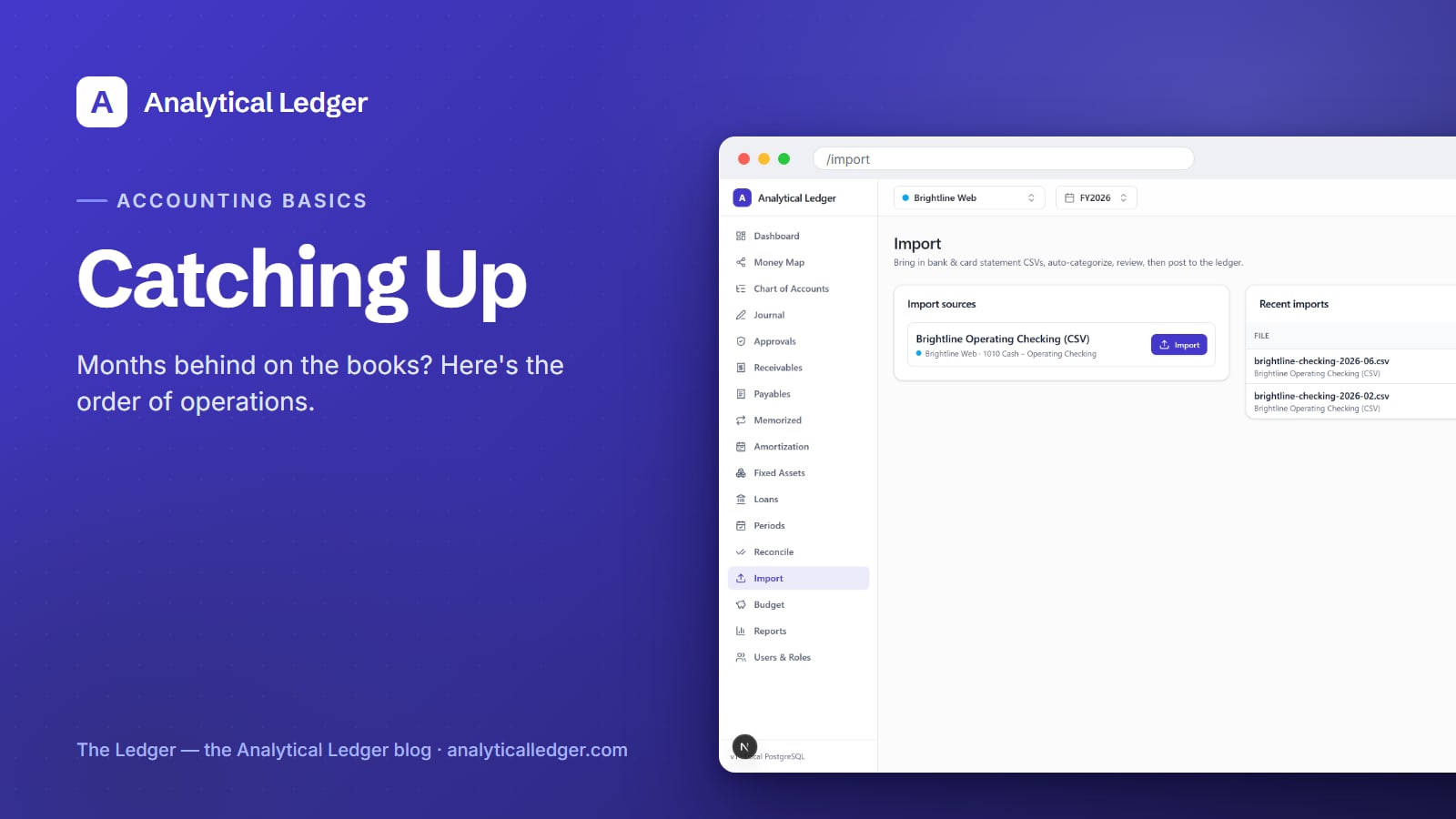
Six months of unreconciled statements is not a character flaw. It is a Tuesday. The business got busy, the books got quiet, and the pile is now big enough to dread. Here's the order of operations that turns it into books you trust.
- Catch-up bookkeeping is a sequence, not a marathon: pick one entity, ready its chart of accounts, then work month by month — import the bank and card statements, let rules and AI-assisted categorization propose the accounts, approve them, and reconcile each statement to the cent. Repeat forward until today. Then reading your P&L takes minutes.
- You get books correct to the cent, you stop guessing about last month, and staying current takes under an hour a week.
- The whole loop lives inside the 17 accounting modules — no spreadsheet archaeology.
Why does falling behind cost more than the weekend it takes to fix?
Stale books cost you the one thing you actually need: the ability to decide. When the statements pile up, you can't see whether last month made money, whether cash is about to get tight, or what tax season will hold. You end up running the business on gut feel at exactly the moment the numbers matter most.
The pile also compounds. Every month you wait adds another statement to reconcile and another set of transactions you no longer remember — a vendor charge that was obvious in April is a mystery by September. Catch-up is never cheaper than it is today.
The quiet cost is stress — the low-grade guilt of avoided books, which lifts only when the books are caught up. The fix is mechanical; the sequence below is all of it.
How to catch up months of unreconciled books
Work one entity and one month at a time, oldest first. The order matters: ready the accounts, pull the statements, import, categorize, reconcile, then move to the next month. Do not skip ahead to reports until a month is reconciled to the cent — a report built on unreconciled data just lies faster.
1. Pick the entity and ready the chart of accounts
Start with one entity — one set of books. In Analytical Ledger, an entity is a single company or your personal finances (personal is a first-class entity). If you run several, pick the one with the worst backlog and finish it before touching the next; consolidation comes later.
The 118-account best-practice default, mapped to IRS Schedule C and Form 1120, covers most small businesses out of the box, so most owners change nothing here. If you have a handful of accounts unique to your business, add them now — see the chart of accounts guide for the details.
2. Export CSV or OFX from every bank and card portal
Log into each bank and credit card portal and export the full history you're behind on, as CSV or OFX. Grab every account that feeds the business — checking, savings, each card. Export the whole range at once; you'll import it in monthly slices, but one pass saves you fifteen logins.
If a portal caps the export window, take what it gives and repeat. Name the files so January's checking export is easy to tell from February's. It's the most tedious step and the least clever — just gathering. Then the app takes over.
3. Import one month at a time
Import the oldest month first, then walk forward. The bank statement import reads your CSV or OFX and stages each transaction for review. Working month by month keeps the review screen small and lets you reconcile as you go.
Here is the part that removes the fear: import has dedup built in, so re-importing the same file is safe. If you're unsure whether January already went in, import it again — the app recognizes transactions it has already seen and won't double-count them. You cannot corrupt your books by importing twice.
4. Let rules and AI propose the accounts, then approve
You do not categorize hundreds of transactions by hand. A rules engine and AI-assisted categorization read each imported line and propose an account — the coffee shop to Meals, the client deposit to Revenue. The principle is "AI proposes, human approves, triggers validate": the machine does the tedium, you keep the judgment.
Work the review screen top to bottom. Approve the proposals that are right, correct the ones that aren't, and every correction teaches the rules for next time. When a month's transactions are categorized, post them. Posted entries become immutable — you fix a mistake by posting a reversing entry, the way real double-entry accounting works.
5. Reconcile each statement to the cent
Reconciling is where "imported" becomes "trusted." You match the entity's ledger to the bank's own statement until they agree exactly, to the cent.

The screen tracks three numbers: the statement's ending balance, your cleared balance, and the difference between them. When the difference hits zero, that month is reconciled and done. If it won't close, the gap is a real signal — a missing transaction, a duplicate, or a miscategorized line — and the bank reconciliation guide walks through finding it. Reconcile every account for the month, then move to the next and repeat from step 3.
6. Read the P&L and balance sheet
Once your months are reconciled, open the financial reports. The profit and loss statement finally answers "did we make money" for each month you were behind. The balance sheet shows what the business owns and owes. Because every entry balances — enforced in the app and again by database triggers — and every statement is reconciled, these reports are correct, not approximate.
That's the payoff: the dread becomes numbers you can plan against.
What people get wrong about catching up
The biggest mistake is trying to do it all in one heroic session. Catch-up is a loop you repeat one month at a time, not a marathon. Do a single month cleanly — import, categorize, reconcile to zero — then the next. Swallowing a year whole is how people burn out and abandon the pile.
The second mistake is fear of the import button. Because dedup makes re-importing safe, there's no penalty for importing a file you weren't sure about. People treat it like a one-shot commitment and freeze. Import freely, review, reconcile — the safety net is built in.
We run our own group of companies — and our personal finances — on Analytical Ledger, daily, in production. This is the exact sequence we use when a month gets away from us — it works because it's boring and repeatable, not because it's clever.
Frequently Asked Questions
How far back do I have to go to catch up?
Go back to the last month your books were reconciled — the last point you trusted. Everything after that needs importing and reconciling. If you've never reconciled, start at the beginning of your current tax year so your books line up with how you file, then work forward month by month to today.
Is it safe to import the same bank file twice?
Yes. Import has deduplication built in, so re-importing a CSV or OFX file you already loaded won't double-count anything — the app recognizes transactions it has seen. This means you can import freely when you're unsure whether a month already went in. It's the safety net that makes catch-up bookkeeping survivable.
Do I have to categorize every transaction by hand?
No. A rules engine and AI-assisted categorization propose an account for each imported transaction, and you approve or correct them in the review screen. Every correction teaches the rules for next time, so later months get faster. The machine handles the tedium; you keep the judgment and the final say.
How long does catching up actually take?
It depends on your backlog, but the work scales with your transaction volume, not calendar dread. Because categorization is proposed for you and reconciling closes to a single number, most months go quickly once you find a rhythm. After you're caught up, staying current takes under an hour a week.
Can I catch up more than one business at once?
Handle one entity at a time. Pick the business with the worst backlog, finish it through reconciled reports, then move to the next. Each entity is its own set of books. Once every entity is caught up, you can group them for consolidated reports that eliminate intercompany flows automatically.
Start with the month that's bothering you most
You don't have to fix everything this weekend. Open one entity, ready its chart of accounts, and import a single month — the module tour shows where each step lives, and the app itself walks you through the rest. One reconciled month proves the pile is beatable. Then the next.
About Analytical Solutions
Analytical Solutions builds Analytical Ledger — free, multi-entity, double-entry accounting that's correct to the cent and yours to keep. We run our own group of companies on it, so the catch-up sequence above is the one we use ourselves. Learn more about us.