
How to track and depreciate fixed assets
You bought a $6,000 laptop-and-camera kit, expensed the whole thing in one month, and your March P&L looks like a terrible month. It wasn't — you bought a tool that lasts for years. Depreciation is how the books tell that truth, and the Fixed Assets module posts it for you.
- Fixed asset depreciation spreads the cost of something you own over the years it serves you, instead of dumping it into one month. In Analytical Ledger you register the asset once — name, cost, useful life in months, and three accounts — then run depreciation each period and it posts the entry automatically.
- Your monthly P&L stops lurching every time you buy equipment.
- Your balance sheet shows what the asset is actually worth today, not what you paid for it.
- The general ledger stays correct to the cent, because every depreciation run is a real, balanced journal entry — not a spreadsheet note.
- New to the app? Start with the tour of the 17 modules to see where Fixed Assets fits.
Why does expensing equipment all at once distort your books?
Because a big purchase you use for years is an asset, not a cost — and booking it as a single expense misstates two reports at once. The month you buy it looks unprofitable, and every month after looks better than it really is, because you're using an asset that no longer appears on your books.
It compounds: when you finally sell or replace that asset, its cost is long gone into one old month, so the numbers never line up with reality.
There's a tax angle too: depreciation is how a capitalized asset's cost flows onto your return over its useful life. Books that expense everything up front don't match how the asset is treated, so tax season becomes a reconciliation instead of a rollup. The fix isn't complicated — just tedious by hand, every month. That's the tedium the Fixed Assets module removes.
How to register and depreciate a fixed asset
The whole flow is two actions: register the asset once, then run depreciation each period. The module handles the straight-line math and posts the entry, so you never hand-calculate an amount or remember to book it.

1. Open Fixed Assets and register the asset
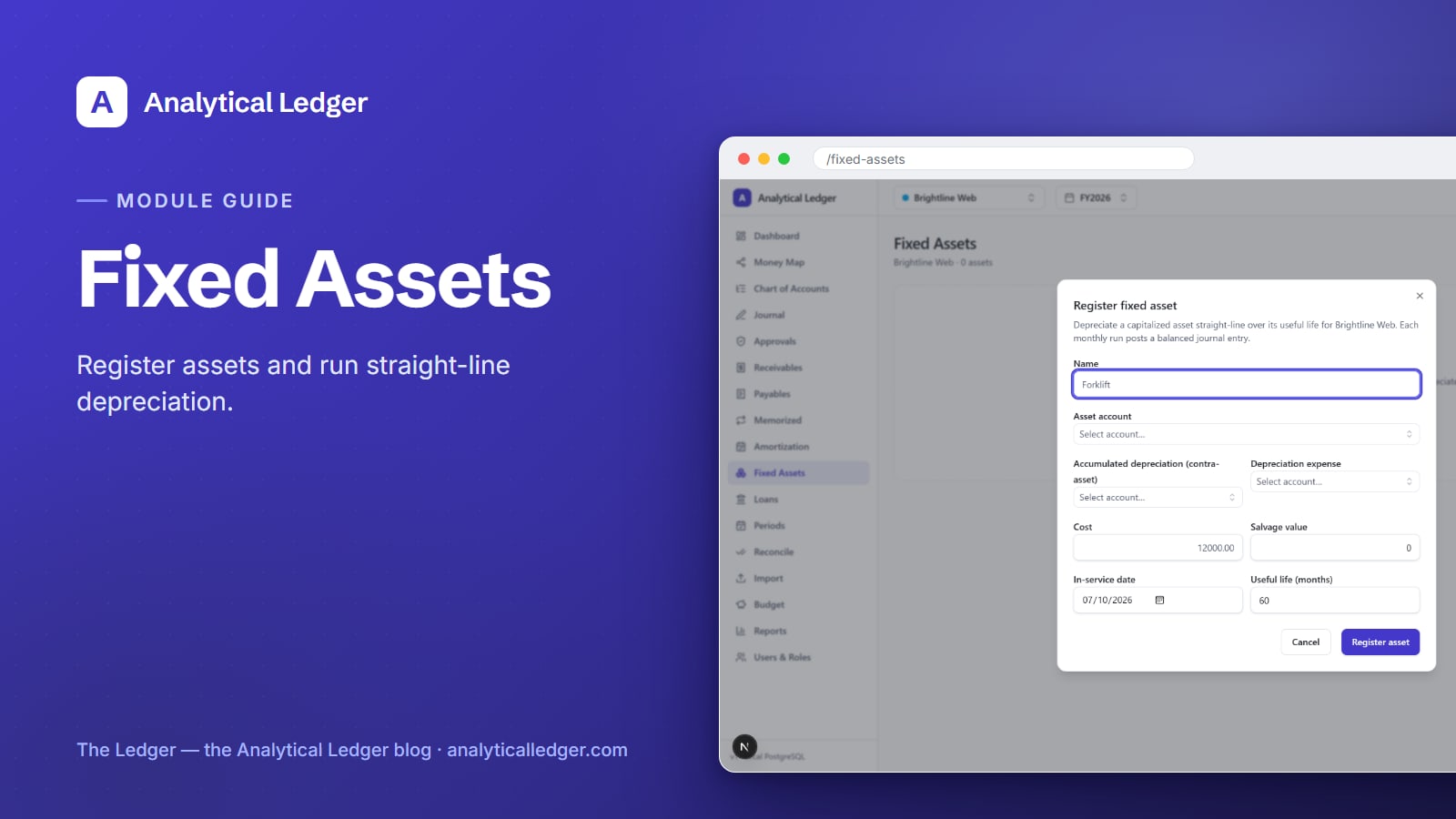
From the module, choose Register fixed asset. The dialog asks for the asset's name ("MacBook Pro + camera kit"), its cost (what you paid, entered as an exact decimal), and its in-service date — the day it started being used in the business, which is when depreciation begins.
2. Point it at three accounts
Depreciation touches three accounts, and the dialog asks for each. The asset account is where the item's cost sits on your balance sheet (Equipment, say). The accumulated-depreciation account is the contra-asset that collects depreciation. The depreciation-expense account is the P&L line the charge lands on. If your chart of accounts came from the 118-account default, all three already exist — you're just selecting them.
3. Set the useful life in months
Enter the useful life in months — how long the asset will serve the business. A laptop you'll use for three years is 36 months; a five-year machine is 60. Analytical Ledger depreciates straight-line, dividing the cost evenly across those months. No declining-balance math to configure, nothing to compute yourself.
4. Run depreciation for the period
When the period is ready to close, choose Run depreciation. The module posts the period's entry across your registered assets: debit depreciation expense, credit accumulated depreciation, for the straight-line amount. It's a balanced journal entry from a system source, so it flows into your P&L and balance sheet like any posted entry — and it can't post into a closed or locked period.
5. Read the book value
After each run, every asset shows its book value — cost minus accumulated depreciation — right in the register. That's what the asset is worth on your books today. Watch it step down each period until it reaches zero at the end of the useful life. No separate schedule to maintain: the number is on the screen.
What is straight-line depreciation, in plain terms?
Straight-line depreciation charges the same amount every period until the asset's cost is fully spread across its useful life. Take the cost, divide by the useful life in months, and that's the monthly charge. A $3,600 laptop over 36 months depreciates $100 a month for three years — even, predictable, done.
It's the method most small businesses use because it's simple and honest: an asset that serves you steadily loses value steadily. Analytical Ledger uses straight-line so the number is one you can check in your head. Other methods front-load the expense and add complexity most owners don't need.
Depreciation and amortization are close cousins: depreciation spreads a physical asset; amortization spreads a loan or an intangible. If you're financing the purchase rather than buying outright, pair this with amortization schedules so interest and principal are tracked as cleanly as the depreciation.
We run this on our own books
We run our own group of companies — and our personal finances — on Analytical Ledger, daily, in production. The equipment those companies buy gets registered in Fixed Assets and depreciated the same way this guide describes. When we say the run posts a balanced entry and book value updates on screen, it's because we watch it happen on our own ledger every month.
Money in Analytical Ledger is stored as exact decimals, never floating point, and every entry must balance — enforced in the app and again by database triggers. A depreciation run is held to that same standard: correct to the cent, or it doesn't post.
What owners get wrong about depreciation
The most common mistake is treating every purchase as a fixed asset. A $40 stapler isn't an asset you depreciate — it's an expense. Capitalize the things that are meaningfully large and last more than a year: computers, cameras, machinery, furniture. When in doubt, set a dollar threshold and capitalize above it.
The second mistake is forgetting to run depreciation at all. Registering the asset doesn't post anything — the register just holds the setup. Depreciation hits your books only when you choose Run depreciation for the period. Make it part of your monthly close and your reports stay honest without a year-end scramble.
The third is trying to "adjust" a posted depreciation entry. You can't edit a posted entry in Analytical Ledger — posted entries are immutable by design. Fix a wrong setup the accounting-correct way: post a reversing entry, then re-register or re-run. That immutability is exactly why the ledger can be trusted.
Frequently Asked Questions
What is fixed asset depreciation and why does it matter?
Depreciation spreads the cost of something you own — a computer, equipment, furniture — across the years it serves the business, instead of expensing it all in one month. It matters because it keeps your monthly P&L honest and shows your balance sheet what the asset is actually worth today, not what you originally paid.
How does Analytical Ledger calculate depreciation?
Analytical Ledger depreciates straight-line: it divides the asset's cost evenly across the useful life in months you set when registering it. Each time you run depreciation for a period, it posts a balanced entry — debit depreciation expense, credit accumulated depreciation — for that period's share. The math is exact decimals, correct to the cent.
What is book value and where do I see it?
Book value is an asset's cost minus its accumulated depreciation — what the item is worth on your books right now. Analytical Ledger shows it per asset in the Fixed Assets register, and it steps down after every depreciation run until it reaches zero at the end of the asset's useful life. No separate schedule to maintain.
Do I have to run depreciation manually each month?
Yes — registering an asset sets it up, but nothing posts until you choose Run depreciation for the period. This keeps you in control of when the charge lands and lets you run it as part of your monthly close. The calculation and the journal entry are automatic; only the decision to post is yours.
Can I fix a depreciation entry I posted by mistake?
Not by editing it — posted entries in Analytical Ledger are immutable, the way real accounting works. To correct a mistake, post a reversing entry to undo the bad one, then re-register the asset or re-run depreciation with the right setup. Your audit trail stays intact and every entry still balances.
Get your equipment on the books correctly
If a big purchase has been sitting in a single month's expenses, distorting your P&L, the fix takes a few minutes: register it in Fixed Assets, set the useful life, and run depreciation. See how it fits with the rest of your ledger in the product overview, or reach out to talk through capitalizing something specific — knowing the condition of your business starts with books that tell the truth.
About Analytical Solutions
Analytical Solutions builds Analytical Ledger — free, correct-to-the-cent double-entry accounting with every entity in one place, including a Fixed Assets module that depreciates your equipment straight-line and keeps your balance sheet honest. We run our own companies on it, daily. Learn more about us.