
How to track a loan and post every payment split
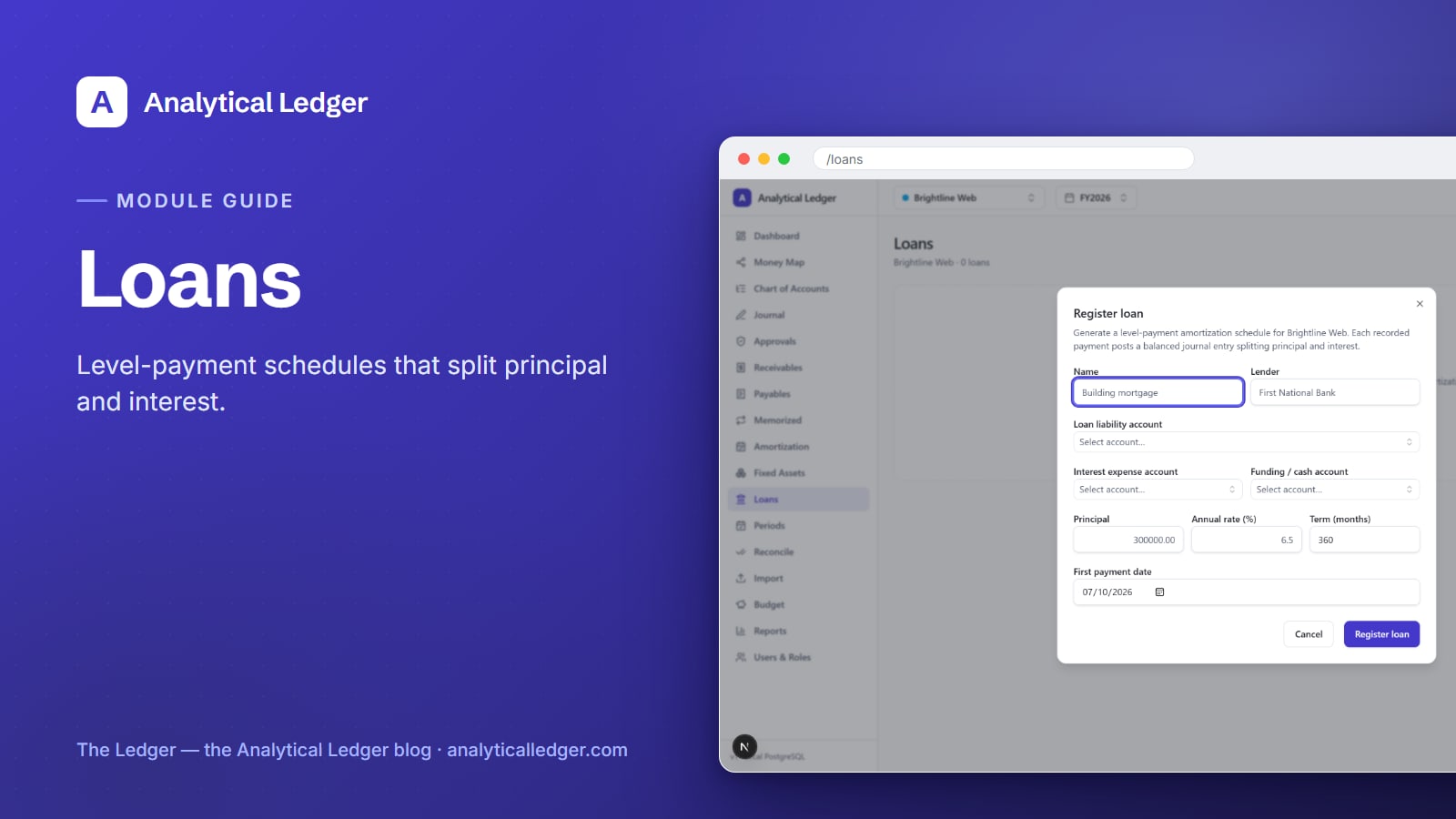
Every loan payment is really two payments in a trench coat: part pays down what you owe, part is pure interest. Treat the whole check as one number and both your balance sheet and your P&L end up wrong.
- The Loans module tracks a business loan by turning it into a level-payment amortization schedule, then posting each payment as one balanced entry that splits principal from interest. You register the loan once — principal, rate, term — and every recorded payment debits the liability for the principal portion, debits interest expense for the interest, and credits your cash account.
- Your loan balance shrinks by the right amount each month, automatically.
- Interest lands in interest expense, where it belongs at tax time.
- No spreadsheet, no manual math, no drift between the bank's number and your books. Start from the tour of all 17 modules if you want the map first.
Why does one lump-sum loan payment throw off two reports?
Post a loan payment as a single line against cash and one of two things happens. Dump the whole amount against the loan and your balance sheet says you owe far less than you do — interest never reduces principal. Dump it all into interest expense and your P&L shows a phantom expense while the loan balance never moves.
The cost lands at the worst times: your balance sheet won't tie to the lender's payoff statement, and your interest deduction — so your tax return — is wrong. That's how an owner ends up flying blind on debt they pay every month.
A correct journal entry fixes this, but splitting it by hand every month — recalculating how much is principal as the balance falls — is exactly the tedious math that stops getting done when the business gets busy.
What the Loans module does
The Loans module registers a loan and generates its level-payment amortization schedule, then posts each payment for you as one balanced entry that separates principal from interest. You give it the loan terms once; it handles the amortization math and the double-entry bookkeeping every period after that, so your liability balance and your interest expense both stay right.
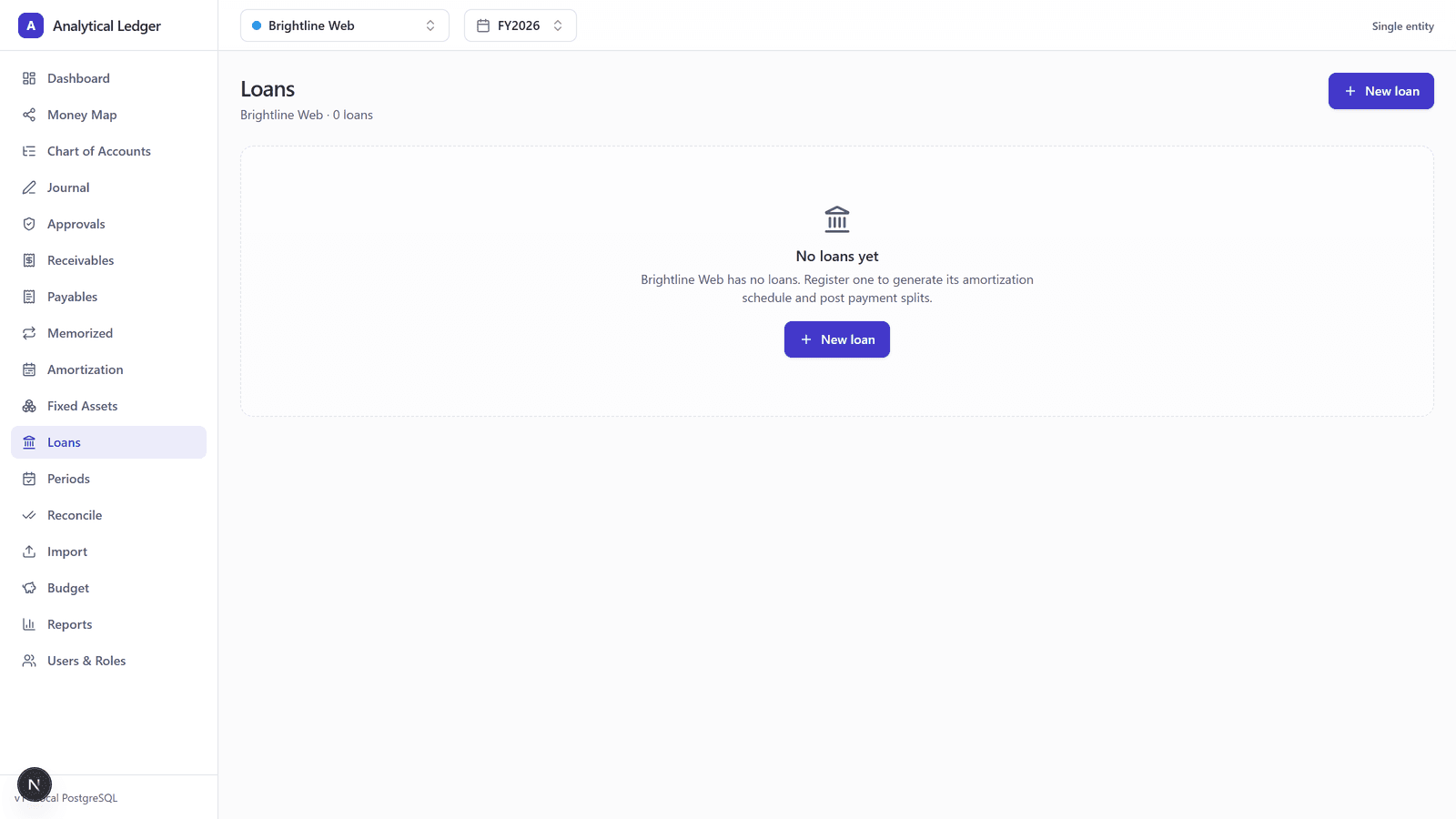
Before you add anything, the module sits empty with a single prompt: "Register one to generate its amortization schedule and post payment splits." Level-payment means the total stays the same every period, but the mix shifts — early payments mostly interest, later ones mostly principal — which is what makes hand-tracking error-prone.
How to register a loan in Analytical Ledger
Registering a loan takes one dialog. Open the Loans module at /loans, choose New loan, and fill in the terms below. The module reads them and builds the amortization schedule, ready to post payments against it. Everything routes through accounts you already keep in your chart of accounts.
1. Name the loan and its lender
Give the loan a clear name and record the lender — "SBA term loan" or "Truck note — First National." This is the label you'll see in the module and on the schedule, so make it specific enough to tell two loans apart.
2. Pick the three accounts the entries touch
Every payment moves money between three accounts, so the dialog asks for all three up front:
- Liability account — the loan itself, a liability on your balance sheet. Principal payments debit this and shrink it.
- Interest-expense account — where the interest portion of each payment lands, feeding your P&L.
- Funding (cash) account — the bank account the payments come out of. Each payment credits this.
Pick them once; every posted payment reuses the same three.
3. Enter the principal, rate, and term
Enter the original principal (the amount borrowed), the annual rate as an APR percentage, and the term in months. These three drive the amortization math — the level payment amount and the principal-versus-interest split for every period in the schedule.
4. Set the first payment date and frequency
Choose the first payment date and the frequency of payments. The module lays the schedule out from that first date forward across the full term, so each period has its own due date, payment amount, and principal/interest breakdown ready to post.
How each payment posts to your books
When you record a payment, the module posts one balanced journal entry that splits the payment three ways: it debits the liability account for the principal portion, debits interest expense for the interest portion, and credits your cash account for the total. Debits equal credits and your books stay correct to the cent.
Do this each period and your loan balance walks to zero in step with the lender's payoff schedule — no drift between your books and what you owe.
Because posted entries in Analytical Ledger are immutable, a recorded payment is a permanent, auditable record — post one in error and you correct it with a reversing entry, not by editing history. The result flows straight into your P&L, balance sheet, and other financial reports.
The proof: we run our own debt on it
We run our own group of companies — and our personal finances — on Analytical Ledger, daily, in production. Our business loans and equipment notes are registered in this module, and every payment posts its split automatically. We track our own debt the same way this guide tells you to track yours — guessing at a loan balance isn't something we'll do to our own books.
What people get wrong about loan bookkeeping
The most common mistake is treating a loan payment like a normal bill — one expense, done. A loan isn't an expense; it's a liability you're paying down, and only the interest slice is ever an expense. Miss that and you either overstate expenses or hide your debt.
The second mistake is confusing loan amortization with asset depreciation. They're different jobs on different modules — amortization schedules the repayment of what you borrowed; fixed-asset depreciation spreads the cost of something you bought. Finance a truck and you'll run both: the Loans module for the note, depreciation for the truck.
The third is trusting a spreadsheet to hold the split as the balance falls. It works until it doesn't — one fat-fingered cell and the schedule drifts. A dedicated amortization schedule that posts its own balanced entries removes the hand-math.
Frequently Asked Questions
How does Analytical Ledger split a loan payment between principal and interest?
It uses the loan's amortization schedule. When you register the loan with its principal, APR, and term, the module builds a level-payment schedule that pre-calculates the principal and interest portion of every payment. Each recorded payment then posts that exact split — debit liability, debit interest expense, credit cash.
What accounts do I need before I register a loan?
Three: a liability account for the loan balance, an interest-expense account for the interest portion, and a cash (funding) account the payments come from. All three already exist in the 118-account default chart of accounts, so most owners just pick them from the list rather than creating anything new.
Is loan amortization the same as fixed-asset depreciation?
No. Amortization schedules the repayment of money you borrowed, splitting each payment into principal and interest. Depreciation spreads the cost of an asset you bought over its useful life. They live in separate modules. If you financed a purchase, you'll often use both — one for the note, one for the asset.
Can I track more than one loan at a time?
Yes. Register each loan separately and each gets its own amortization schedule and its own payment-split entries, posted against the accounts you choose for it. There's no per-loan fee and no per-entity charge — Analytical Ledger is free, so you can track every note across every entity in one place.
What happens if I record a loan payment by mistake?
You fix it with a reversing entry, not by editing the original. Posted journal entries in Analytical Ledger are immutable — that's what keeps your books auditable and correct to the cent. Post a matching reversing entry and the erroneous payment nets to zero, leaving a clean, honest trail.
See it on your own loans
Pick the loan that's been living in a spreadsheet, register it once, and watch the first payment post its own principal-and-interest split. If you'd rather see the module in context first, walk through the full module tour or take a look at the app — and to talk through your setup, reach out any time. Know the condition of your business, down to what you still owe.
About Analytical Solutions
Analytical Solutions builds Analytical Ledger — free, multi-entity, double-entry accounting where every loan payment posts a correct principal-and-interest split, enforced in the app and again by database triggers. We run our own group of companies on it, daily. Learn more about us.